
I Built a Tool to Style Vintage Pieces With AI Today (And You Can Too – For Free)
In a single evening during my 13-month old’s naptime, I made a tool with AI to analyze a photo of whatever I’m selling, determine its era, color palette, vibe, occasion, write a styling description, and search Amazon for complementary styling pieces (not generic ‘brown boots,’ but ‘Cognac leather block-heel ankle boots’).
I decided on a whim to start sourcing and selling vintage clothing – because why not, what with only a zillion projects going on, what’s one more?! … and I’m finding that the most exciting part is sourcing fun pieces to sell, and the least exciting part is the admin work it takes to get to the selling.
I know I don’t want to just snap a quick photo and post it to whatever marketplace. In an ideal world every item would sell within a few hours of posting (because I have such amazing taste and only pick out the best things, of course) and I’d never have to worry about inventory sitting for weeks, months … but I’m looking at a box of recessed lights I picked up months ago just knowing it would be a quick flip, and I’m humbled.
My thought process became
sell quickly by having amazing, wondrous, irresistible photos

I should style each item to show its potential
FLAT LAY COLLAGE
I could link to the other items … Affiliate links!
$$$
I’ve never done any of these things before. I’ve never sold vintage clothing, created a flat lay (although I love looking at them), nor used affiliate marketing. I know I have too much on my plate already to effectively execute every aspect of that idea, but I also know AI exists, and it has immense capabilities most of us aren’t using it for.
What You Need
- Claude AI account (free)
- Gemini account (free)
- Photos of your item(s)
That’s it. the whole list. Neither of these platforms require a paid subscription for this.
Get the Tool
Go to Claude and start a new chat. Copy/paste the prompt below, feel free to adjust it.
I want to create an app that lets me upload an image of clothing or accessory item, analyzes it, and comes up with a styling plan for it. Then the app searches Amazon for highly rated or promising / high-quality items to pair with it. The output should be a list of links to the items from Amazon.
The App
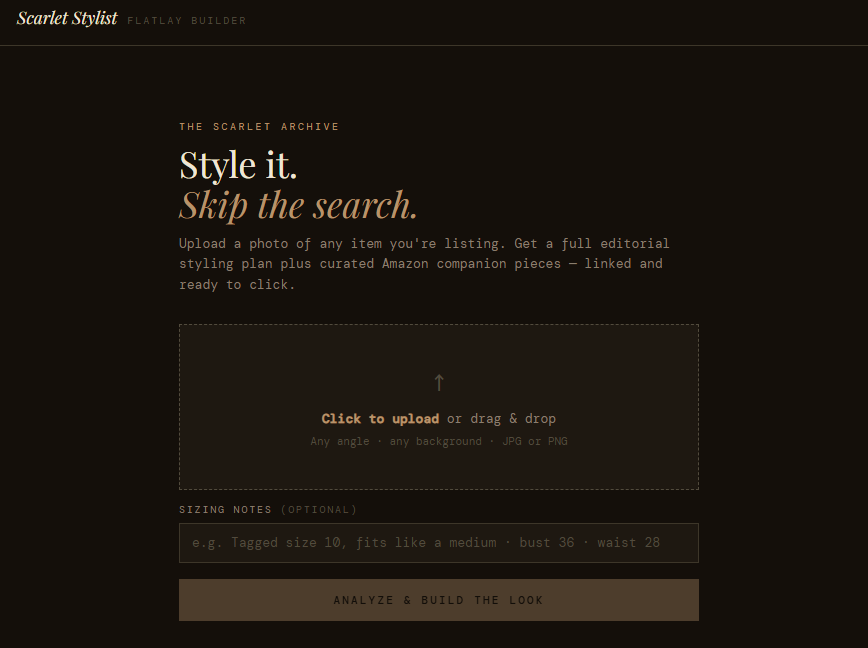
Claude will build it for you as an interactive app right inside the chat window on the right-hand side. You don’t have to touch any code. You don’t have to pay a penny.
You can try mine here: Scarlet Stylist | Editorial Styling App
Click ‘Customize’ in the upper right-hand corner to change the design, applicable content, instructions, etc.
Input
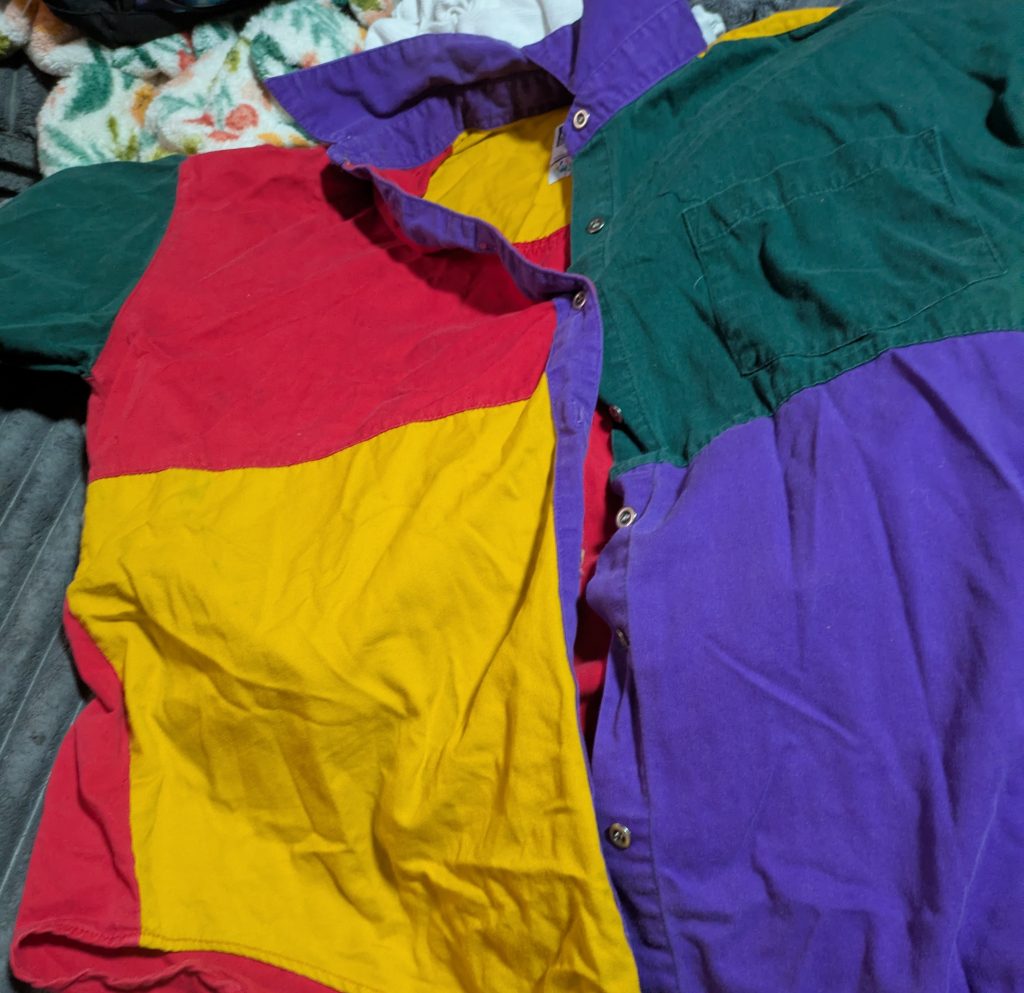
Upload a photo of your item.
Claude’s App Output
This would have taken me hours to curate myself. Amazon searches for specific items, direct links, the description – all done.
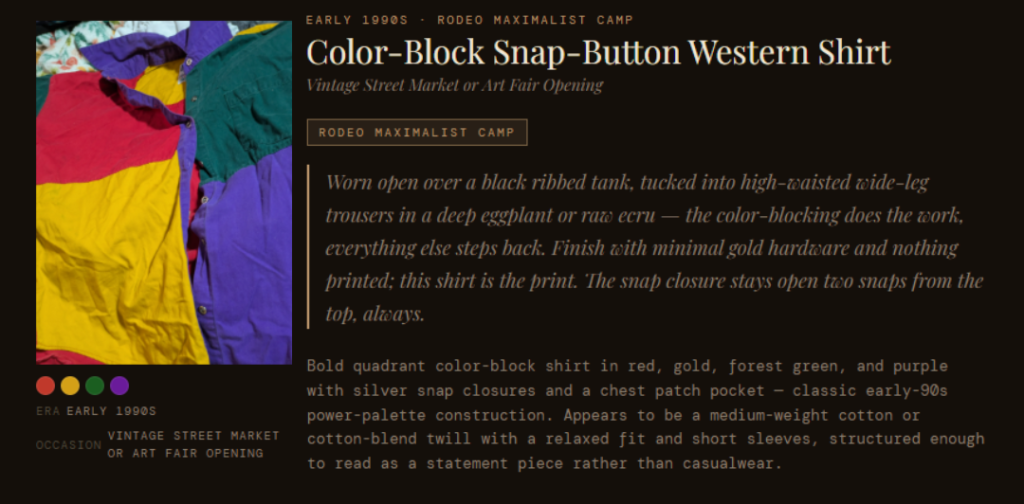
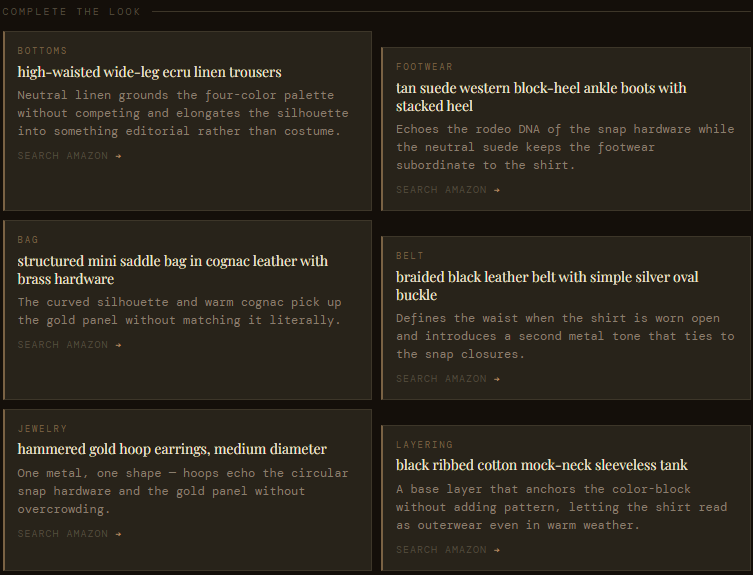
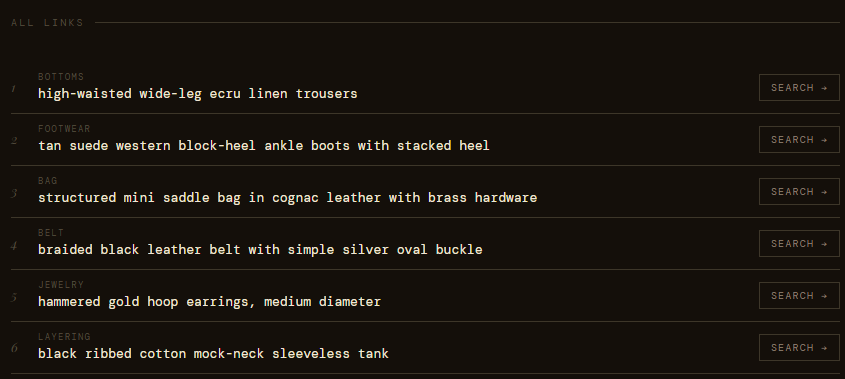
As Claude warned, the app did provide links to search results, instead of one specific item.
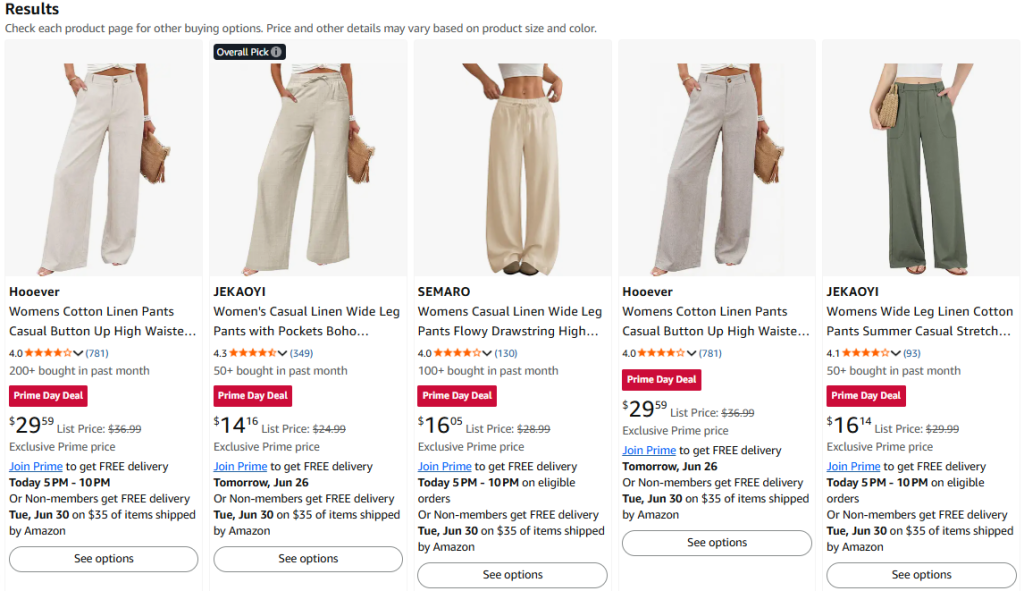
I selected the first pair. You can right-click to ‘Copy image’ to avoid saving it to your device.
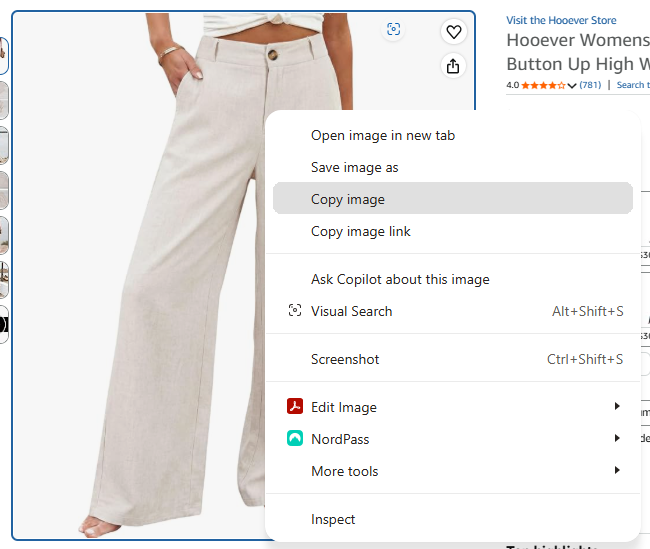
Paste or upload to a new chat in Gemini. Suggested prompt is below.
Organize these items in a cohesive, stylish flat lay with a plain white background. Look book style. Each item should be true-to-scale in comparison to the others. Do not alter or change the items themselves, they should remain exactly the same down to every detail. It should be realistic in an editorial layout style.
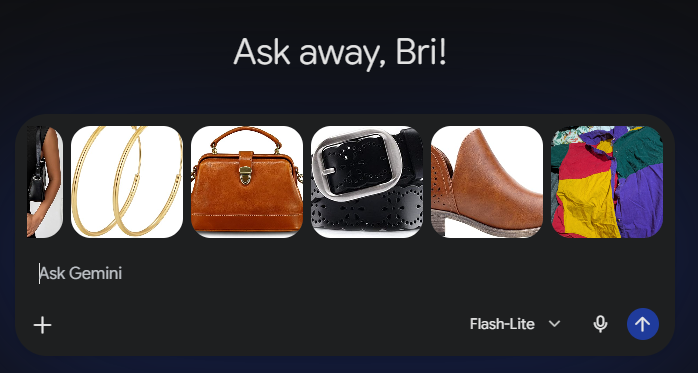
Gemini’s Output
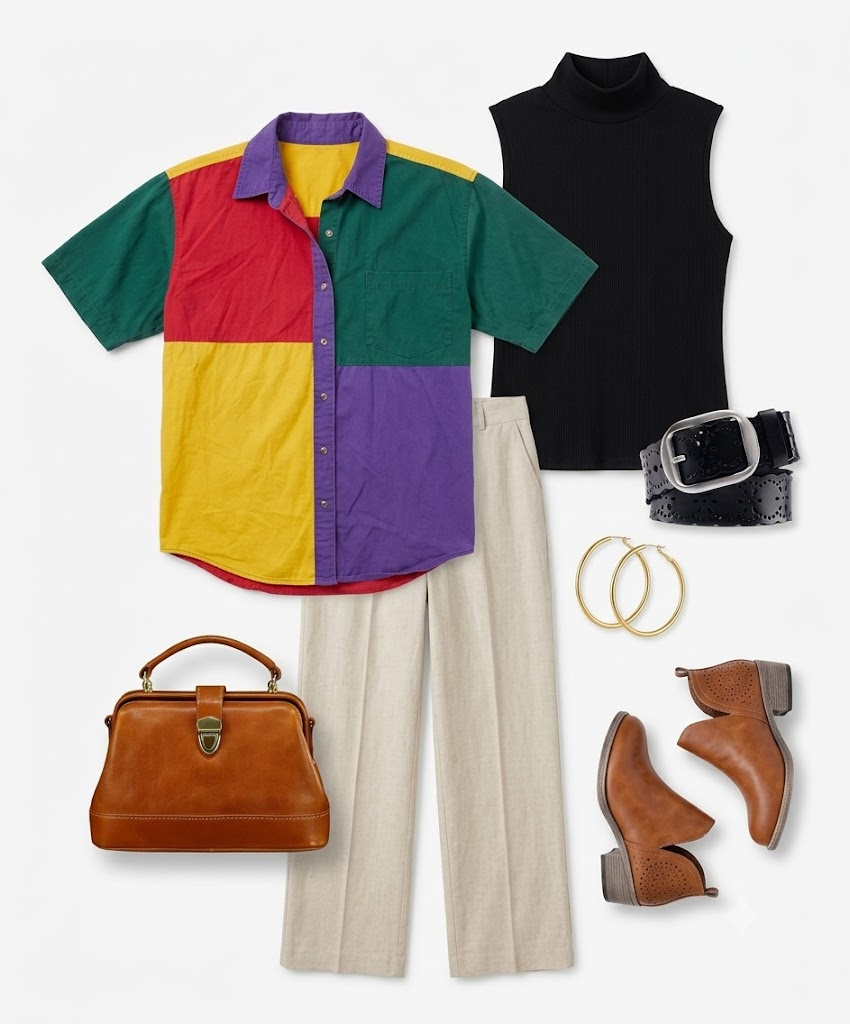
Start to finish, this is a 10 minute or less process. Styled by Claude, flat lay by Gemini. I’m impressed, considering my prompting isn’t the best, and I gave it a difficult image of the shirt.
I wanted to see it on a model as well, and used this simplistic prompt:
Show me the exact outfit on a model - trendy editorial vibes.
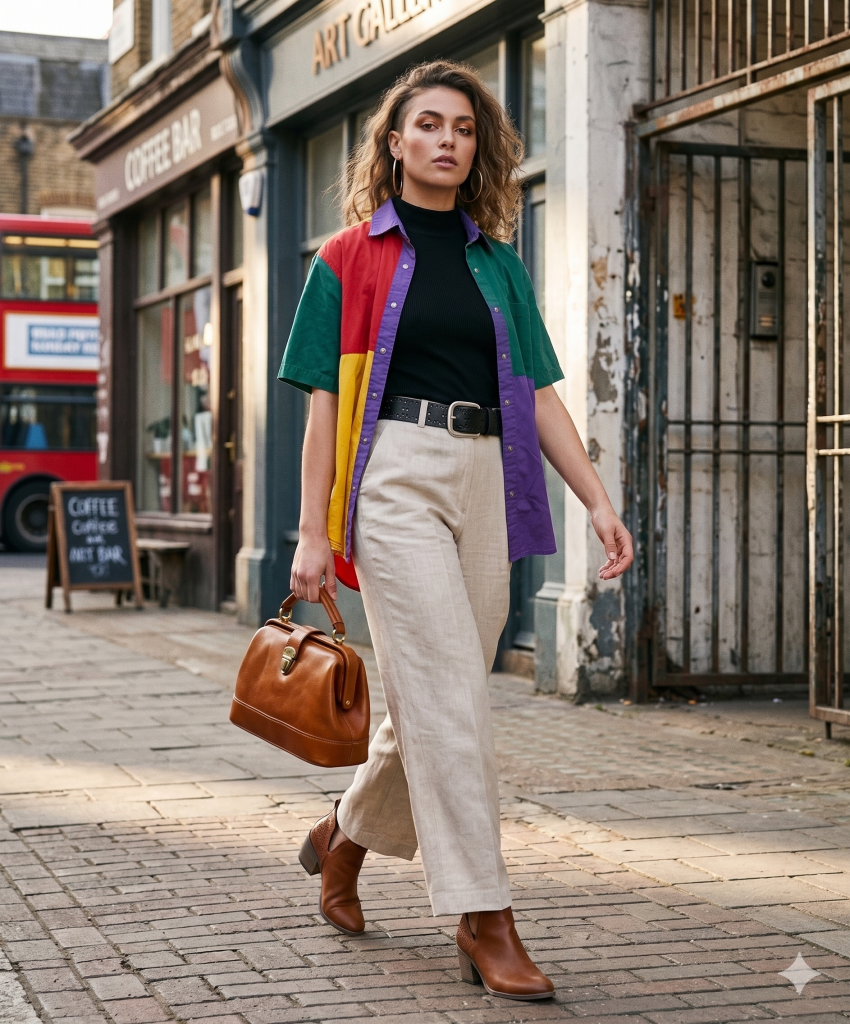
Using the Flat Lay
You now have a flat lay you can use on a landing page, Pinterest, Instagram, Tiktok. You have Amazon links to use with an affiliate account.
One photo is now four pieces of content and a complete listing if you are also a reseller. After the main item sells, the other links persist and live on, providing potential passive affiliate income.
Open-Source Business Lab
This cost zero dollars. Claude free tier, Gemini free tier, and my time figuring it out so you don’t have to. That’s the point of this place. I’m doing it anyway, so I might as well document it and maybe one person will get something out of it.